


SPECIFICATIONS
Certification: ce,CE,RoHs
Choice: yes
High-concerned chemical: None
Is Batteries Included: No
Is Smart Device: No
Item Type: Strip
Luminous Flux: <60
Nominal Voltage: 12
Origin: Mainland China
Power Generation: Switch
Voltage: 12 V
Waterproof: Yes
Important Note: Please Read Before Purchase!
⚠️ External Device Required: Syncs ONLY with external HDMI devices (Amazon Fire TV Stick 4K Max、Apple TV、Google TV Streamer、PS5 Set-top boxes etc.). Does NOT work with built-in Smart TV apps (e.g., Netflix/YouTube inside the TV).
⚠️ Soundbar Configuration: The sync box does NOT support ARC passthrough.
Correct Way: Device → Sync Box → TV Standard HDMI. Then, TV ARC Port → Soundbar.
⚠️ Installation Sequence: Connect the LED strip to the Sync Box BEFORE plugging in the power cable to ensure all LEDs are initialized correctly.
🛠️ Easy Fix for Lighting Issues: If the end of the strip is not lit:
-
Long press RESET for 5s.
-
Unplug power for 10s.
-
Plug back in. (Always connect LED strip before power on).
Support 4K and HDR
It will NOT work by connecting directly to your TV's HDMI port, nor can it be driven by your TV's built-in apps (like Netflix, YouTube). It will sync with the any app build in your external HDMI media device.
How it works: The backlight syncs by analyzing the video signal from your external media source. Please ensure it is connected between your media device and your TV.
Real-Time Sync Modes
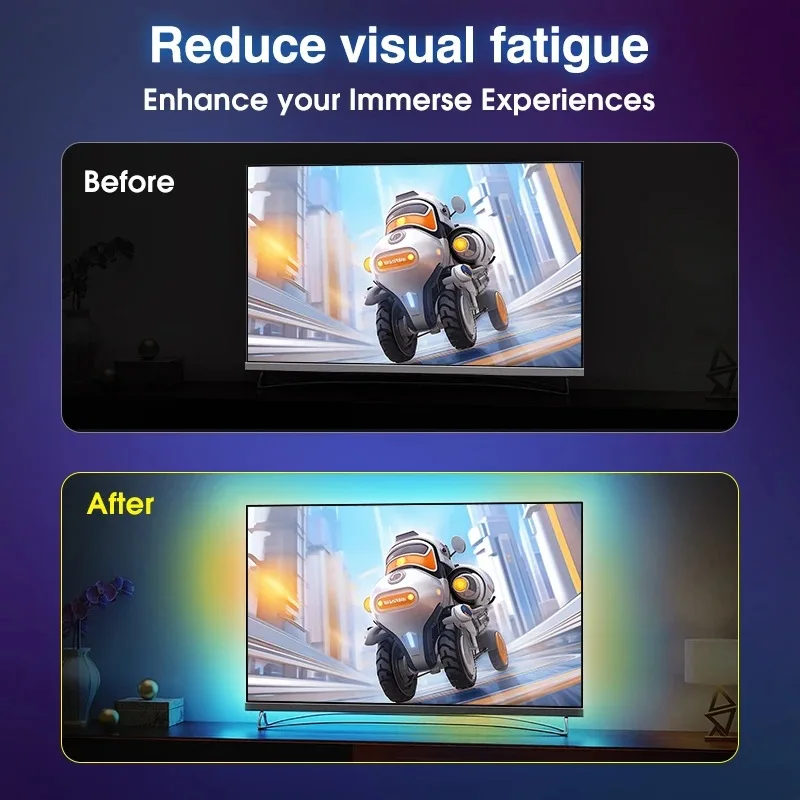
Lights instantly match the colors of your screen, creating an immersive ambient glow that reacts in real time to whatever you’re watching or playing.
No WiFi or Apps
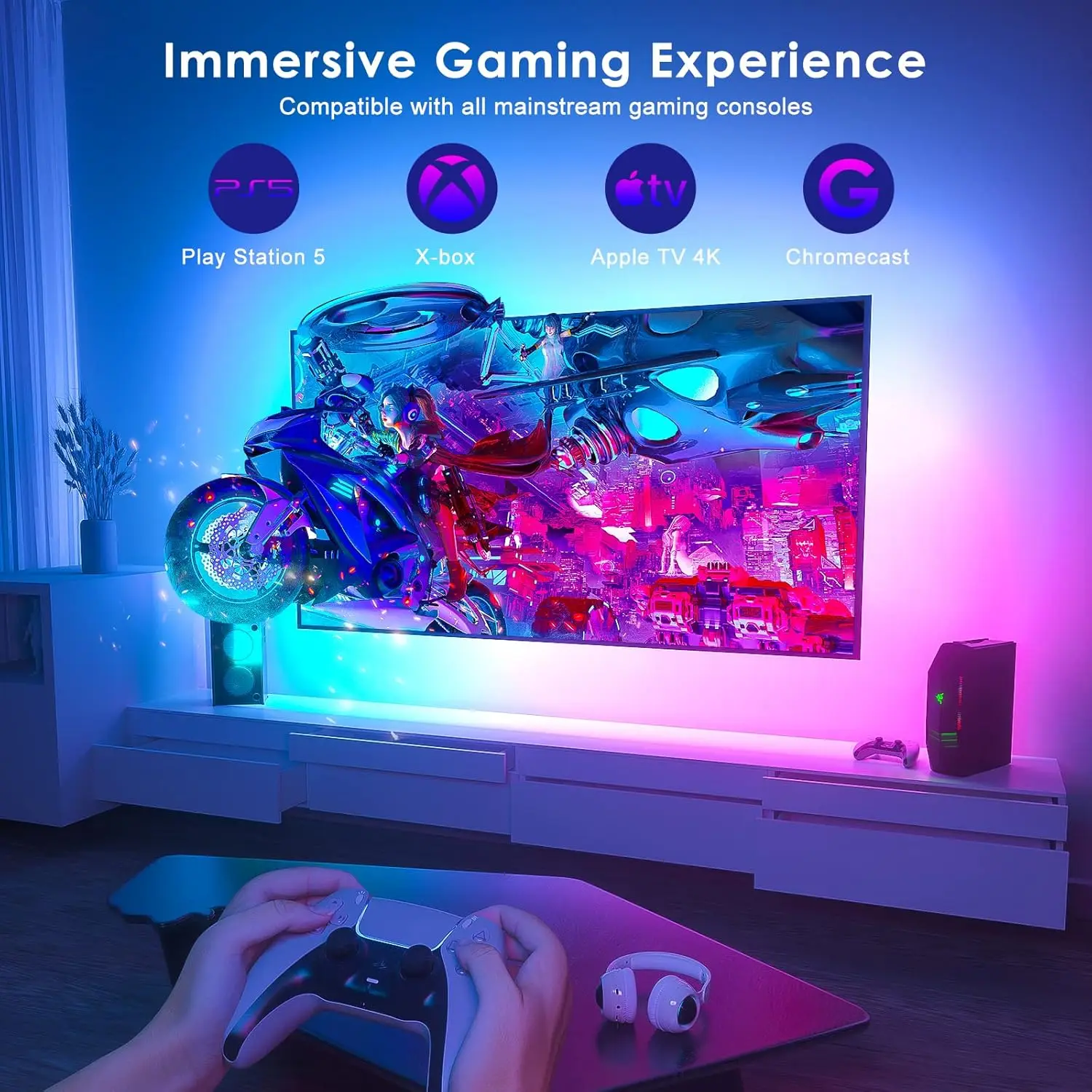
Works instantly via HDMI 2.0 input (TV Box, Apple TV, Fire Stick, PS4/5, Xbox,Switch)。.No complex APP setup, no tracking, no data sharing.
Plug & Play
Easy setup with plug-and-play functionality, no additional configuration required.
Waterproof
Designed to withstand splashes and spills, ensuring durability in various environments.
Dynamic Ambiance Lighting
Enhance your viewing experience with dynamic ambiance lighting that changes color based on your TV content.
Easy DIY Setup
Peel, stick, and plug into HDMI; no tools or tech skills required.
Product Description
-
Elevate your TV experience with the HDMI Sync TV Backlight, designed to transform your space into a cinematic hub or gaming arena.
-
Simply connect via HDMI 2.0 to sync lights with movies, shows, or gameplay in real-time.
-
The peel-and-stick LED strips fit any TV size, while the spill-proof design ensures longevity.
-
Perfect for gamers, streamers, or movie nights – plug in, light up, and immerse!
How To Install?
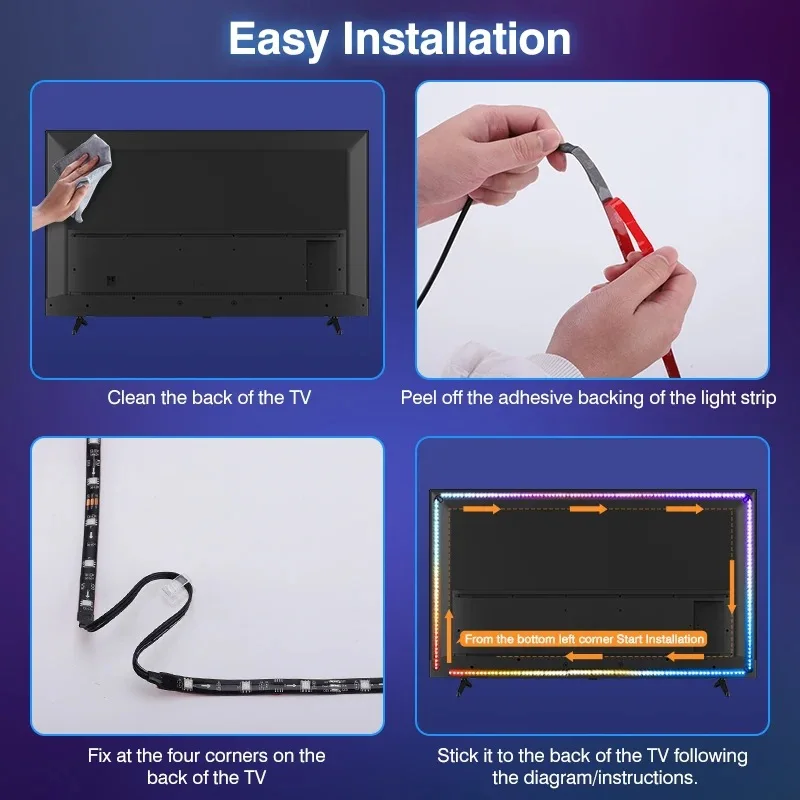
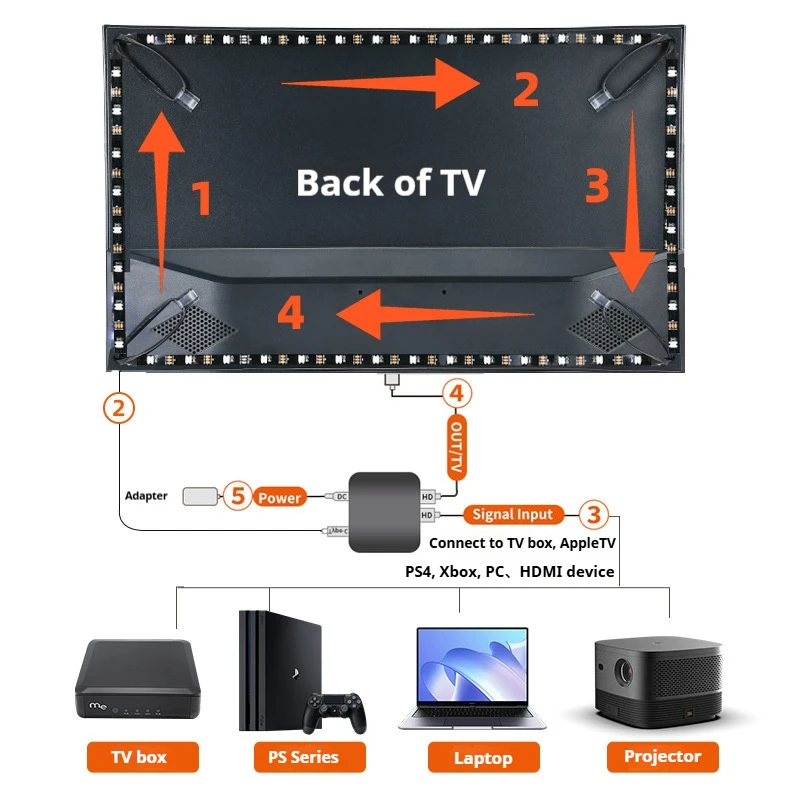
Tear off the adhesive tape and stick the light strip clockwise to the back ofTV from the bottom left corner. Fix the light strip in corners with clips.
Connect the light strip to the “LED Strip" Type-C port of the sync box.
Connect TV Box or other signal sources to the “input" port of sync box with an HD cable.
Connect Your TV or monitor to the “output" port of the sync boxwith the data cable.P
Power on the light strip with the power adapter.
Troubleshooting: Quick Fix for Lighting Issues
Q: What should I do if part of the LED strip isn’t lighting up or colors are out of sync?
A: No problem! This is often a simple connection glitch. Here’s how to reset it:
-
Press and hold the "RESET" button on the sync box for 5 seconds (the strip will flash red).
-
Unplug the power adapter from the outlet for 10 seconds.
-
Plug it back in. The lights will perform a white chase effect — this means the reset is complete!
Pro Tip: This process helps recalibrate the LEDs and solves most sync issues instantly.
Shipping cost is based on weight. Just add products to your cart and use the Shipping Calculator to see the shipping price.
We want you to be 100% satisfied with your purchase.